CAR-TER for iPhone & iPad
Turn your iPhone
into a dashboard.
See live data. Control a project. Keep what matters in view, with an interface you can make your own.
Free to download. Optional in-app purchases.
Now on the App Store
CAR-TER is out.
Seventy-six seconds on what it is and why I made it. Then a small thank-you for trying it early.
Launch offer
Control Pack, free with FREELAUNCH
Control Pack is the one-time unlock for premium controls, theming, and pulse effects. It’s free for the first 500 people who redeem the code and have never made an in-app purchase in CAR-TER.
Redeem before December 1, 2026 at 12:00 a.m. Pacific, while redemptions remain. Open the link on the device that has CAR-TER. If the unlock doesn’t appear, use Restore Purchases in the app. Connect+ hosted connectivity is separate.
How CAR-TER works
A screen. A source.
Something you can do.
Start with a layout someone has made, or build your own. Here’s the idea in three small steps.
1 of 3
A layout puts useful controls together.
A reading, a chart, a switch: each is a control. Arrange them into a layout, and use tabs when you need another view.
Practice scene only. No device is connected.
This desk layout has a temperature reading and a light switch.
Read the whole walkthrough
A layout
A reading, a chart, a switch: each is a control. Arrange them into a layout, and use tabs when you need another view.
A source
A reading can come from a public API, a phone sensor, or a service you connect. A template can already have this connection set up.
An action
The service handles the request and reports what happened. A tap is a request—not proof that a device changed. Read-only layouts simply let you explore their data.
Want to make the screen with an assistant?
See the build, preview, and refine workflowOne layout, four screens
Nordlys Station.
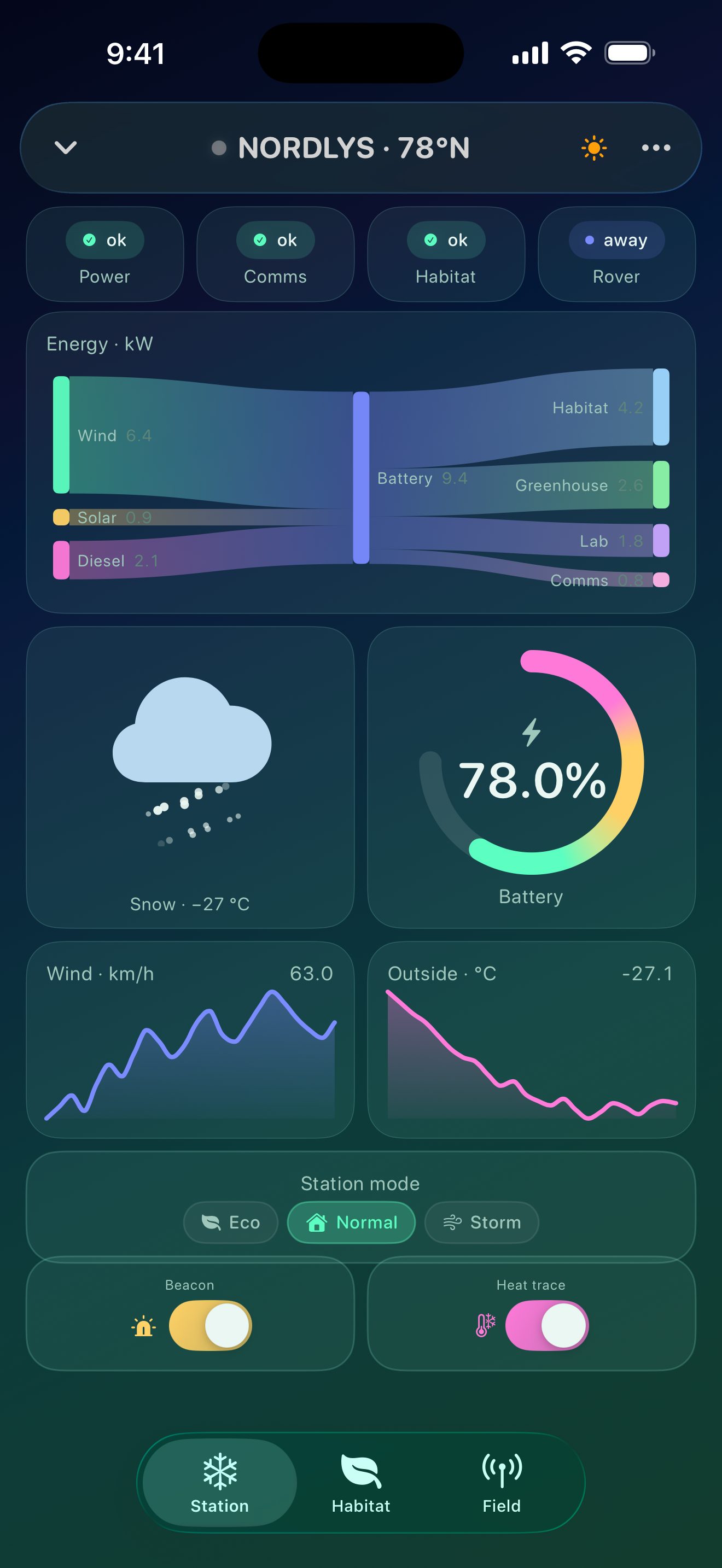
A polar outpost on one phone: three tabs, twenty controls, no custom code. The same JSON file drives the energy flow, the life-support tuner, the sensor mesh, and a compass that fires when you point the phone.
Station
A Sankey of wind, solar and diesel into the battery and out to each load. Snow that falls. A blended battery gauge.
Habitat
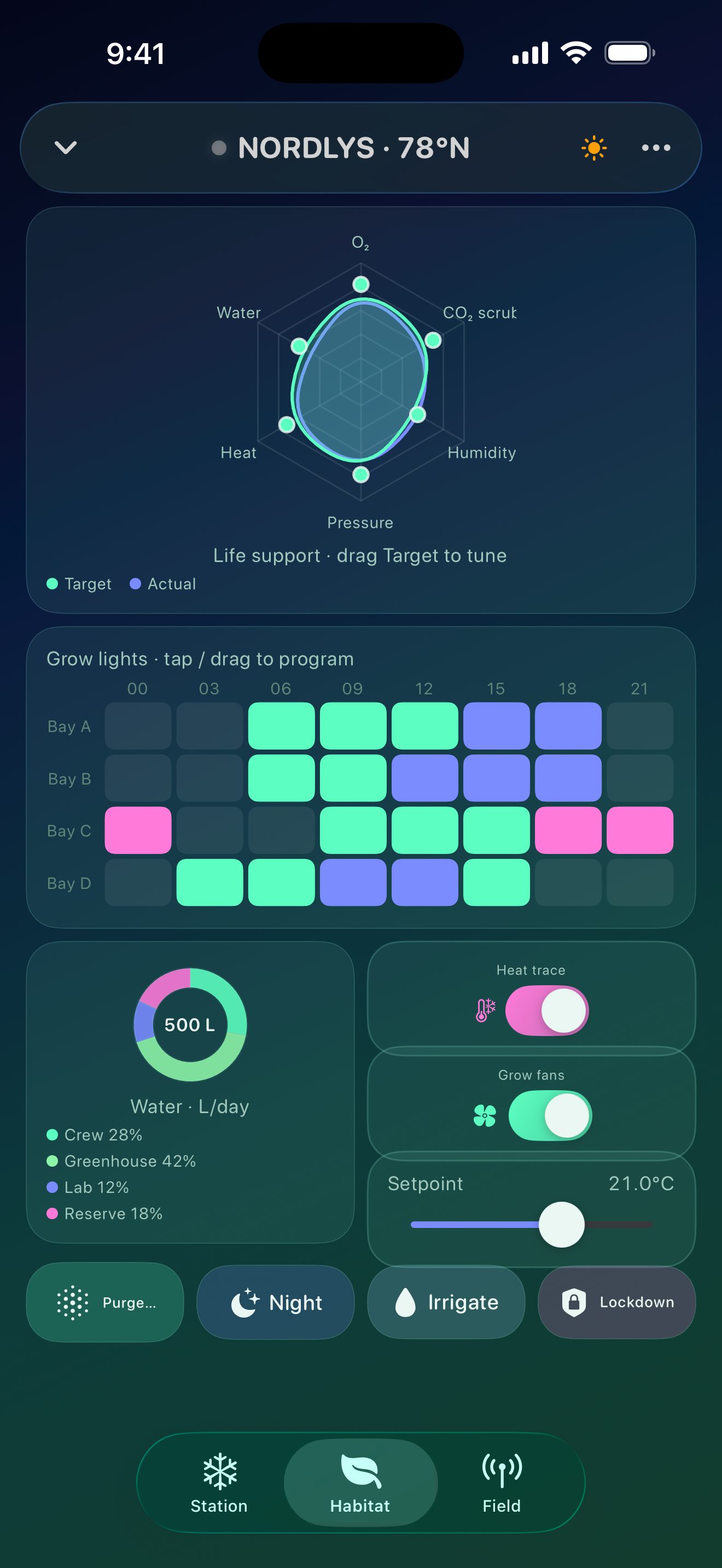
Drag the radar to retune life support. Tap and drag the heatmap to program grow lights by bay and hour.
Field
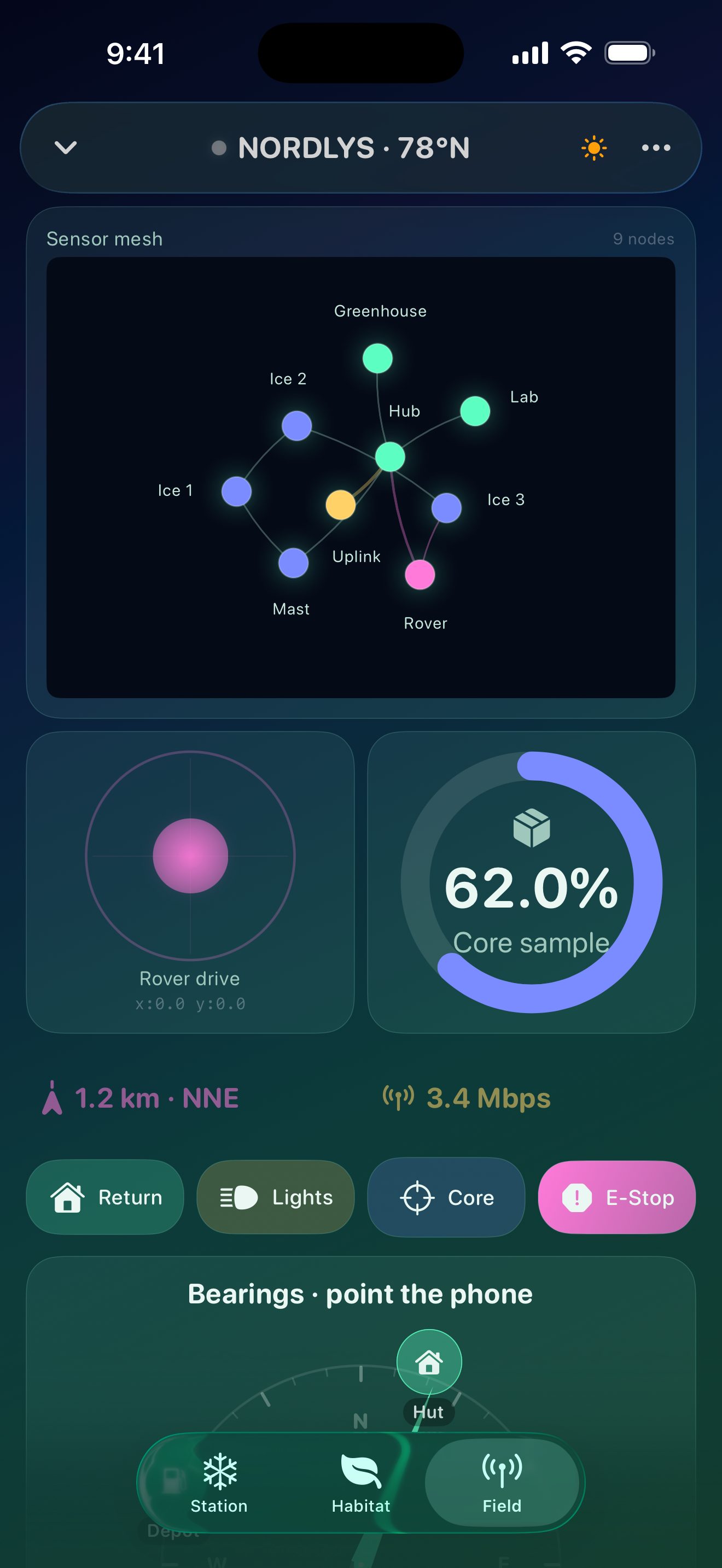
A force-directed sensor mesh, a rover joystick, and a core-sample ring, all live.
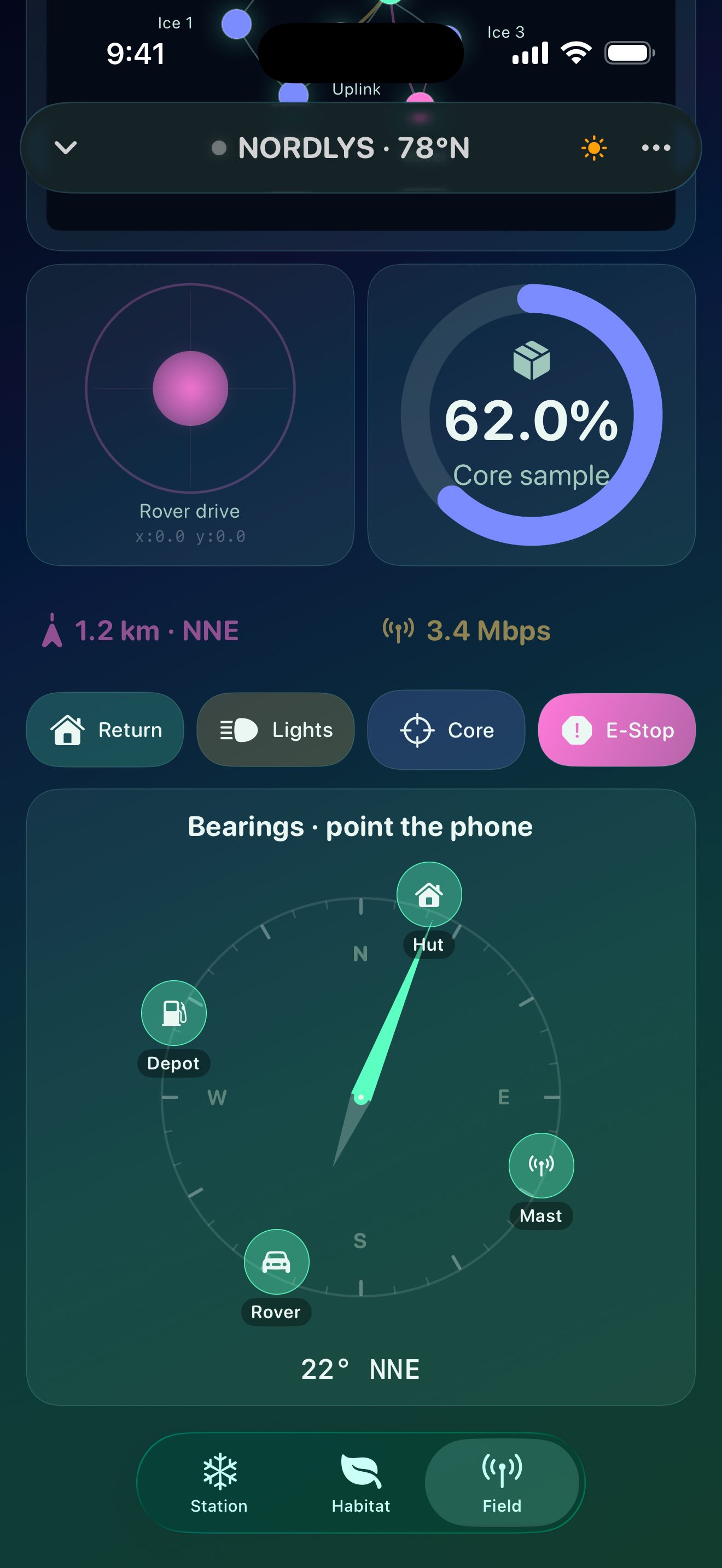
Bearings
Pucks around a heading ring. Hold the phone toward one for a second and its action fires.
Many layouts, one app
Whatever you’re watching.
A kiln, a wine cellar, a reef tank, a service mesh, a theatre cue stack, a polar station. Each is a layout file with its own palette and type. The app stays the same.
- NordlysPolar station · aurora
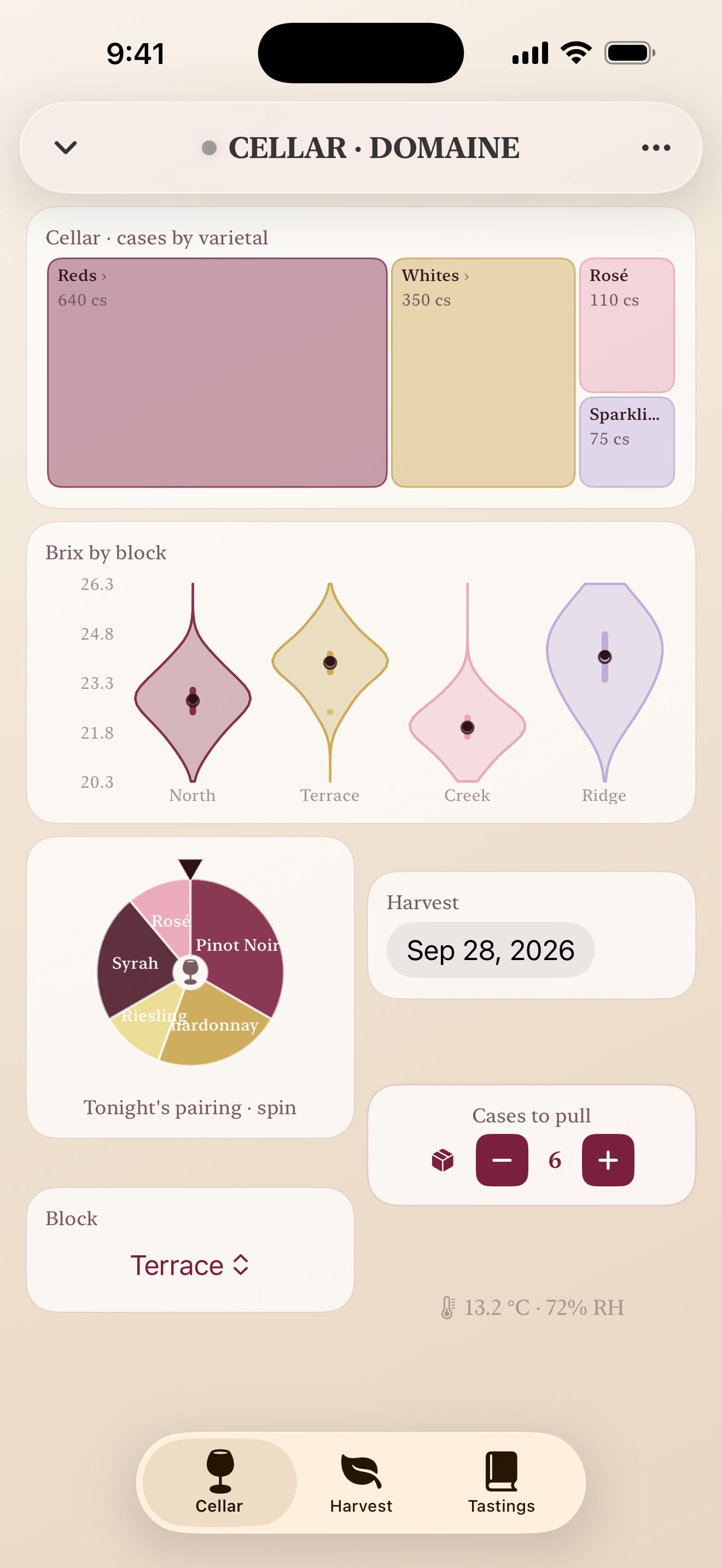 CellarWinery · light mode, serif
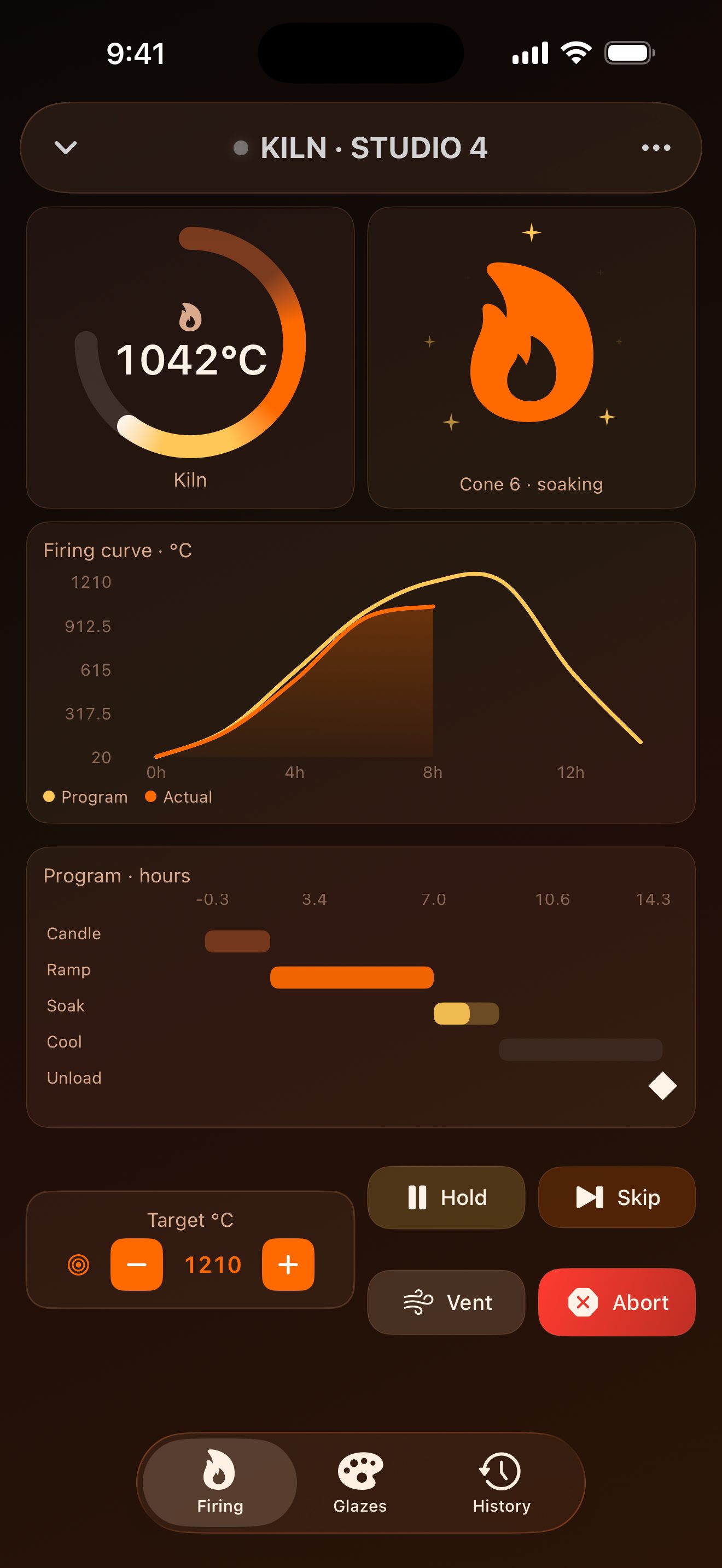 KilnCeramics firing · ember
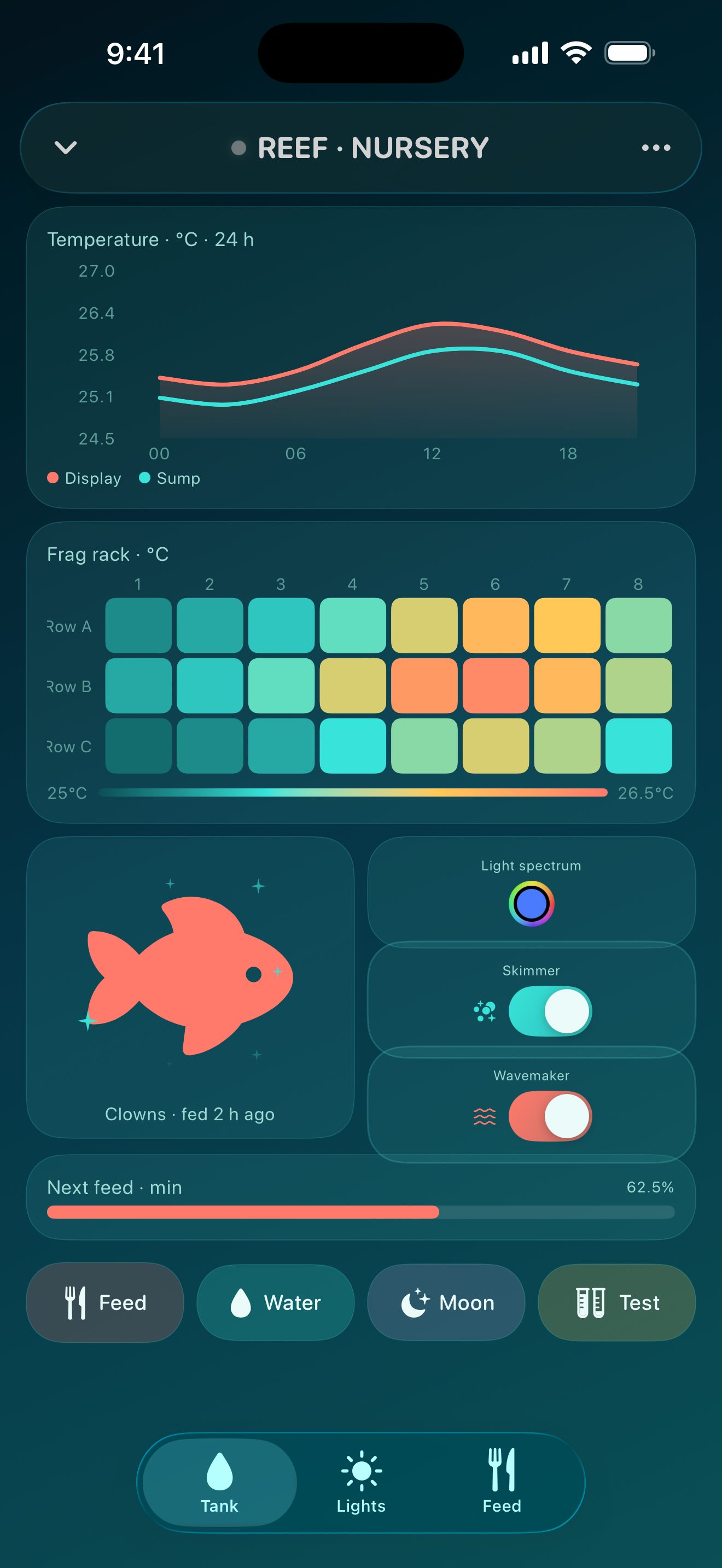 ReefCoral nursery · aqua
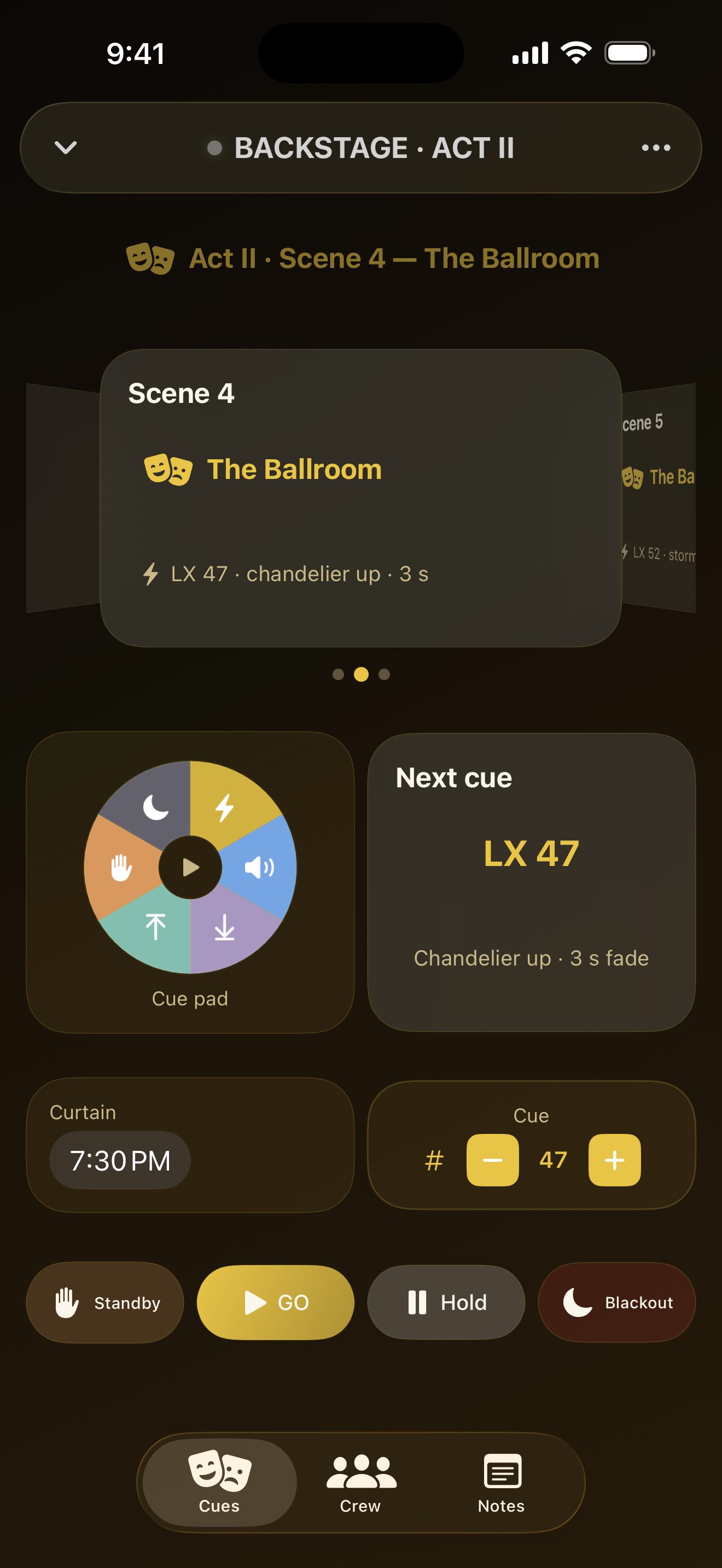 BackstageStage manager · gold
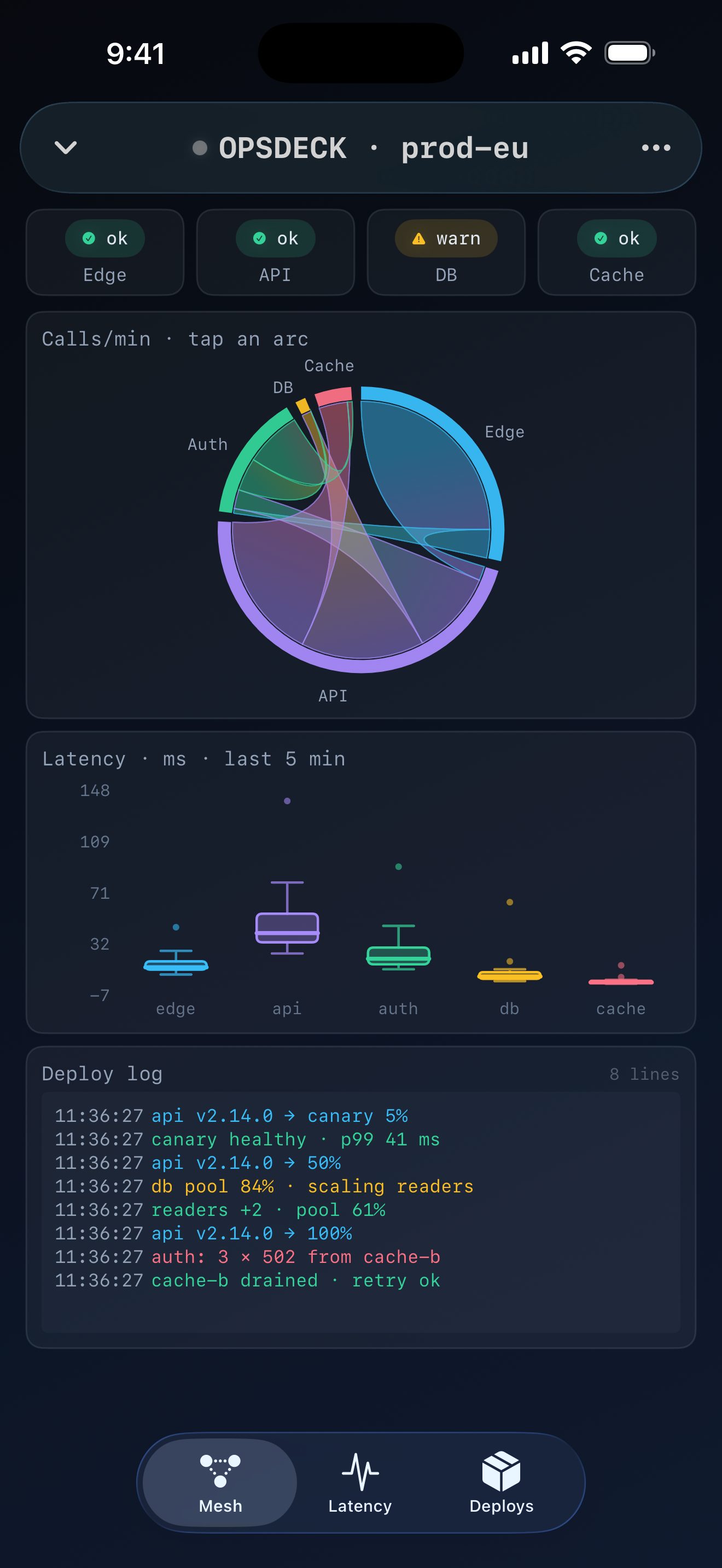 OpsdeckService mesh · mono
Start with something ready
You don’t need to build
your first layout.
A layout is a screen of readings and controls. Pick a public-data template and it connects for you—no code, API key, or local server to set up.
See the electricity mix
Follow carbon intensity in Great Britain, then turn a reading over to understand it.
02Look closer at a river
Find monitoring stations on a map and compare the station details behind each point.
03Browse a public art collection
Swipe through works of art, with their titles, context, and source kept alongside.
Internet required. Each template explains its source, timing, and limitations.
A little room to explore
More than a picture
of your data.
Touch the thing you want to understand.
Inspect a chart, move around a map, or flip a card for context. A useful view lets you ask the next question.
Keep the view. Change the arrangement.
Start from a template and make a copy when you’re ready to edit. Give the most important reading more space; move the details to another tab.
Connect your own project, when you’re ready.
Buttons, sliders, and other controls can talk to a service you set up. This is the building side of CAR-TER—not a requirement for trying the public-data collection.
Find your next stepTry one thing first.
Get the app, open Templates, and choose something that interests you.
Still building. Feedback welcome.
CAR-TER is very much in development. Tell me what you’re trying to make and what would help it work better.
See the roadmap → · Share feedback